Settings & Administration
Settings is the admin control panel for your company. Most of it is configured once during onboarding; you return to it to add people, adjust how documents print, and switch advanced capabilities on or off.
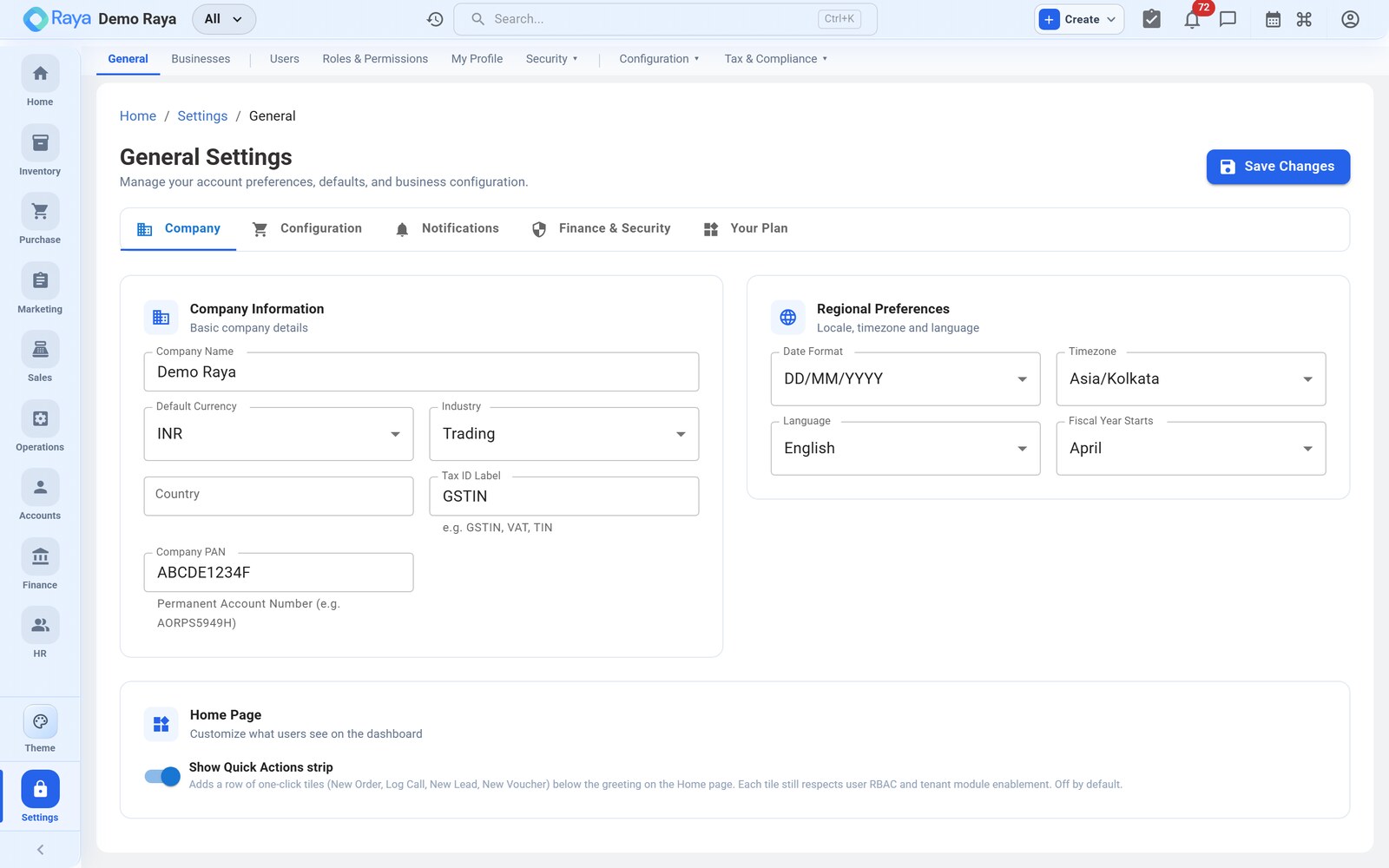
What admins configure
- Company profile — name, logo, brand colour, industry, default currency, country, timezone and date format. Some of these lock after creation.
- People & access — users, named roles, granular per‑module permissions, API keys, and login/audit history.
- Tax & organisation — GSTIN profiles, business units and branches.
- Documents — invoice templates, GST print‑copy rules and voucher numbering.
- Capabilities — feature flags that unlock advanced modules per company.
- Notifications — channels, per‑module preferences and quiet hours.
General settings
| Field | Notes |
|---|---|
| Company name | Prints on invoices, emails and the login page. |
| Logo & brand colour | Used on PDFs, emails and the branded login page. |
| Industry / default currency | Set at creation; locked afterwards. |
| Country & timezone | Drive date formatting and reporting. |
| Date format | e.g. DD‑MMM‑YYYY. |
| GSTIN / PAN / CIN | India tax and registration identifiers. |
note
Locked fields such as industry and default currency can only be changed by contacting support — they affect how historical records are interpreted.
Sub‑pages
| Page | What it's for |
|---|---|
| Users, Roles & Permissions | People, access, API keys, audit trails |
| Invoice Templates & Numbering | Print layout, GST copies, voucher series |
| GSTIN Profiles, Business Units & Branches | Tax registrations and org structure |
| Feature Flags | Turn advanced capabilities on per company |
| Notifications | Channels, preferences and quiet hours |
Related
- Organisation structure — how accounts, business units, locations and branches fit together.