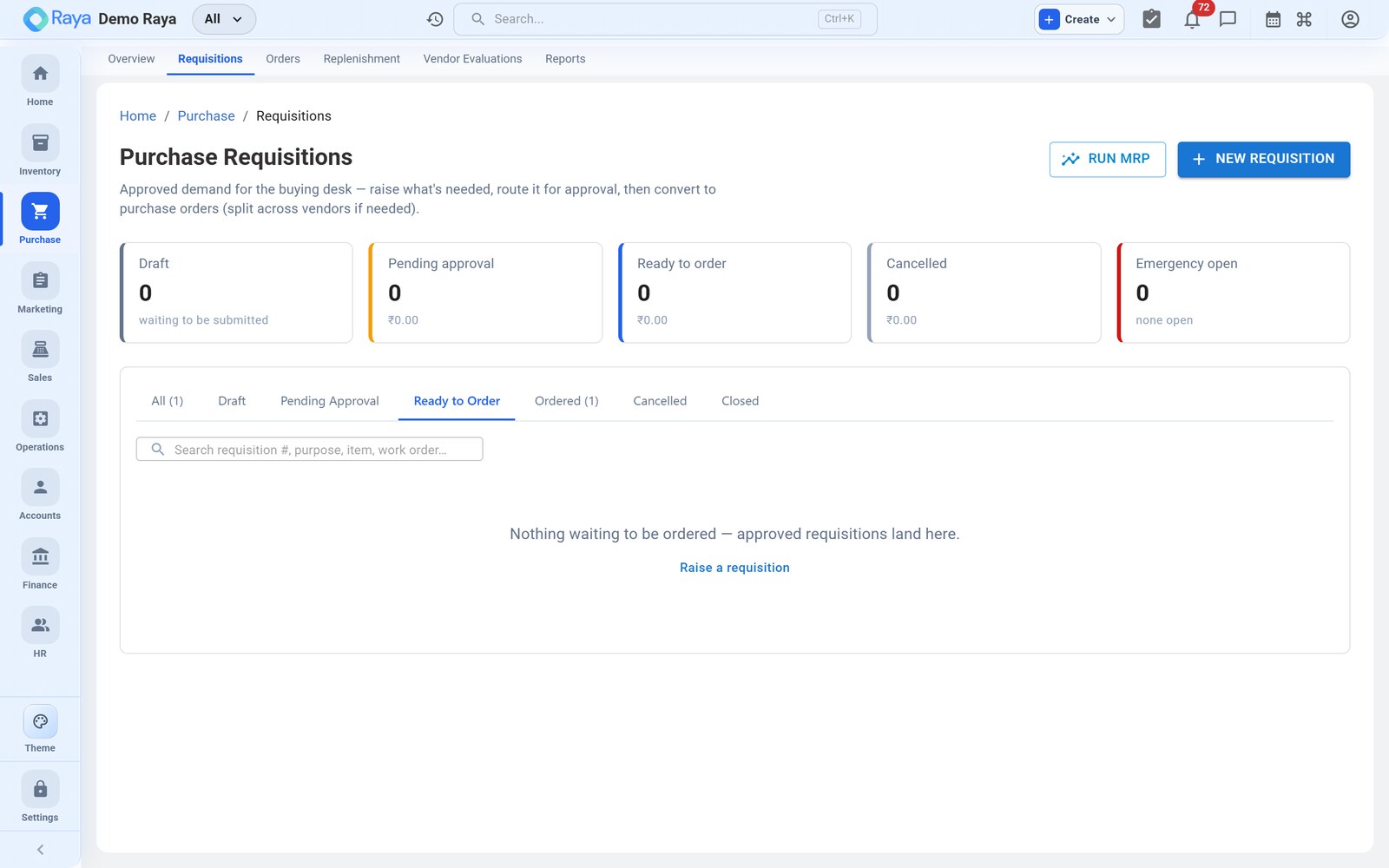
Purchase Requisitions
A requisition is an internal request to buy something — raised by whoever needs the material, then reviewed and approved before it becomes a purchase order. It keeps spending controlled without slowing the shop floor down, and it leaves an audit trail of who asked for what, and who signed it off.
Our worked example
The compounding line at the Bhiwandi Warehouse is running low on HDPE Granules and needs white Masterbatch for an upcoming run. The shift supervisor doesn't place orders — they raise a requisition, which the plant manager approves and converts into PO‑3391 to Gujarat Polychem. We follow that requisition through this page.
When to raise one
- A department or site needs materials that aren't on order.
- Stock has run low but you want a person to confirm before buying.
- A project or work order needs items that must be approved for budget.
:::tip Requisition vs. replenishment If the item already has a reorder level set, Raya can suggest the purchase for you — see Replenishment. Use a requisition when the need is ad‑hoc, spans a project, or needs a person's sign‑off first. :::
Create a requisition — field by field
Go to Purchase → Requisitions → + New Requisition and fill each field:
-
Required‑by date — when the material must be on site. For our example the run is scheduled for 20 Jul, so the supervisor sets 18 Jul 2026 to leave a buffer. This date later drives the PO's expected‑delivery target.
-
Location — the warehouse or site that needs the goods. Choose Bhiwandi Warehouse. Approvals and later stock all key off this location.
-
Line items — add one row per material:
Field What to enter Our example Product Look up the catalogue item, or type a one‑off name for something not yet listed. HDPE Granules · Masterbatch (white) Quantity How much is needed. 30 MT · 400 kg Unit The unit of measure. MT · kg Estimated rate Optional; helps the approver judge the spend. ₹27,600 · ₹265 -
Preferred vendor (optional) — suggest Gujarat Polychem so the buyer knows where the requester expects to source it. It is only a hint; the buyer can override.
-
Note / justification — explain the need ("compounding run 20 Jul; current HDPE stock covers 3 days only"). This is what the approver reads.
-
Submit for approval.
:::note One‑off item names You can type a product name that isn't in the catalogue yet — handy for a first‑time buy. The item can be formalised into the master later; the requisition still converts to a PO. :::
Approval and conversion
A requisition moves through a short lifecycle. Only an Approved requisition can become a PO:
| Status | What it means |
|---|---|
| Draft | Still being prepared by the requester. |
| Pending Approval | Waiting on the approver. |
| Approved | Cleared to buy. |
| Rejected | Sent back with a reason; can be revised and resubmitted. |
| Converted | Turned into one or more purchase orders. |
Approve it
- The approver opens the requisition from Pending Approval (or the approvals queue).
- They review the lines, the justification and the estimated value (≈ ₹9,34,000 before tax here).
- Approve — or Reject with a reason, which sends it back to the requester to revise and resubmit.
Convert to a PO
Once approved, open the requisition and choose Create PO. Raya carries the lines across into a draft:
- All approved lines land on a new draft PO with their product, quantity and unit.
- The preferred vendor pre‑fills as the PO vendor (change it if you're sourcing elsewhere).
- If the lines span several vendors, split them into separate POs — one per supplier — from the same requisition.
- The requisition is stamped Converted and stays linked to the PO, so you can trace PO‑3391 back to the supervisor who asked for the material.
The buyer then confirms rates and terms on the draft and approves it — picked up in detail on Purchase Orders.
:::tip Partial conversion You don't have to buy everything at once. Convert only the lines you're ready to order; the rest stay open on the requisition for a later PO. :::
:::caution Approval is the control point A requisition is the gate that keeps unplanned spend in check — the buyer can only turn Approved lines into a PO. Rejecting with a clear reason ("source two more quotes first") is part of the workflow, not a dead end: the requester revises and resubmits, and every step stays on the record for audit. :::
Track the requisition
Each requisition keeps a live status and an activity trail, so the requester always knows where their request stands:
- The requester is notified when their request is Approved, Rejected or Converted — no chasing the buyer for updates.
- Open requisitions surface for the approver in the approvals queue.
- A converted requisition shows the linked PO number (e.g. PO‑3391), so the shift supervisor can follow their HDPE request all the way to the receipt.
Related
- Purchase Orders — the next step once a requisition is approved.
- Replenishment — auto‑suggested buying from reorder points.
- Procure‑to‑Pay workflow — the full cycle, end to end.
- Inventory — reorder levels and stock on hand.