Stock Adjustments
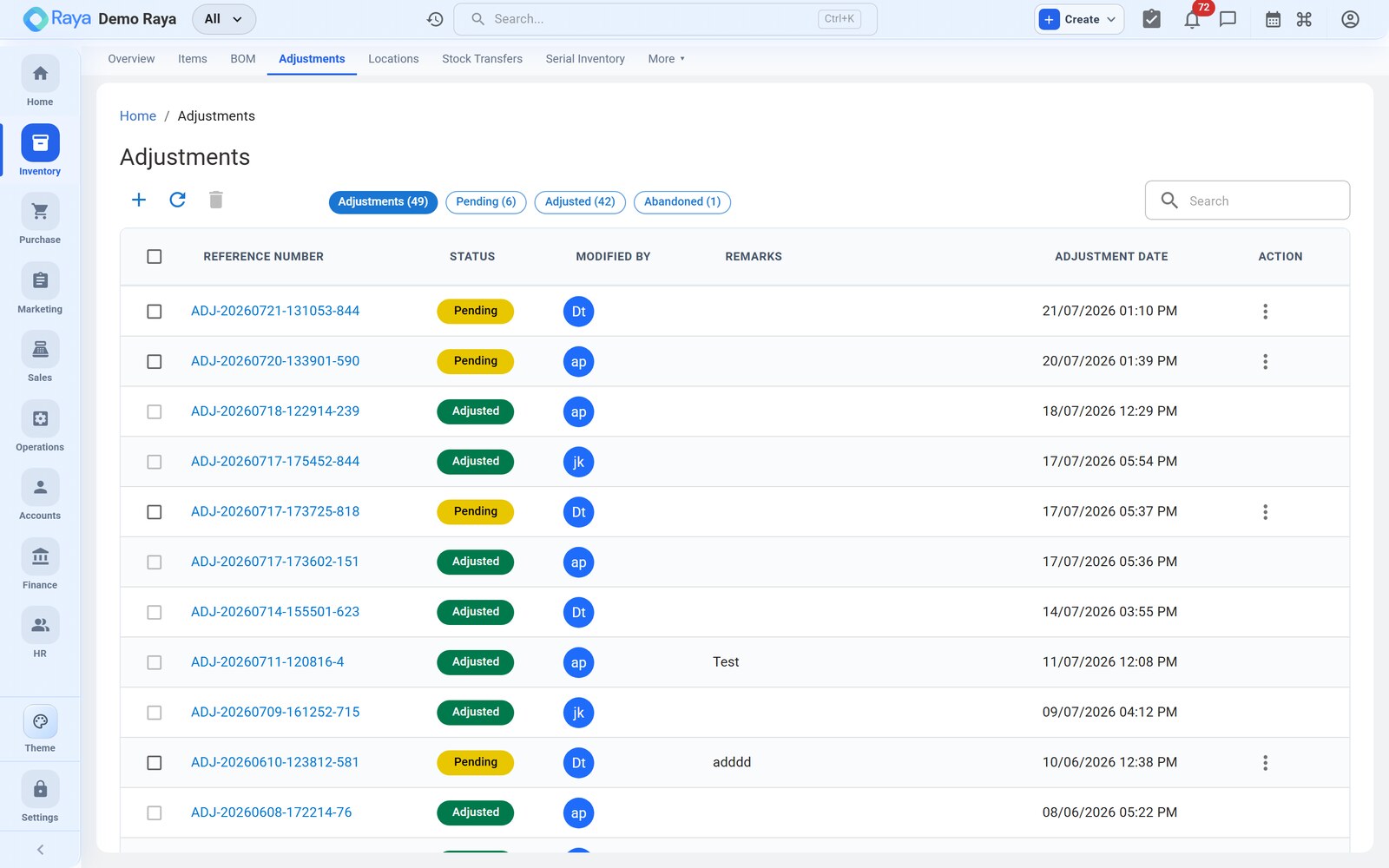
An adjustment corrects the system quantity when physical stock differs from what Raya shows — after a stock take, a breakage, contamination, theft, or found goods. Every adjustment carries a reason code so the change is explainable later, and posting one both moves the stock ledger and revalues inventory. This page writes off a damaged lot of HDPE granules end to end.
Reason codes
The reason is what separates a genuine loss from a counting correction in your reports.
| Reason | Direction | Typical use |
|---|---|---|
| Stock take | + / − | Reconcile to a physical count or cycle count |
| Damage | − | Breakage, contamination, spillage — a write-off |
| Theft | − | Confirmed shrinkage / pilferage |
| Found | + | Stock physically present but not in the system |
| Reclassification | + / − | Move quantity between two item records |
| Other | + / − | Anything else, with a note |
Worked example — write off contaminated granules
Water ingress at Vatva WH-1 has spoiled part of batch HD-2405-A of HDPE Granules — Grade A. QC condemns 1.5 MT. We record a Damage decrease.
How to fill it
- Go to Inventory → Adjustments → + New Adjustment.
- Pick the Location — Vatva WH-1.
- Choose the Reason — Damage.
- Add a line for HDPE Granules — Grade A. Because the item is batch-tracked, pick the affected batch HD-2405-A. Raya fills the current system quantity (say 53.5 MT in that batch).
- Enter the new (counted) quantity
52.0 MT. Raya computes the difference automatically: −1.5 MT. - Attach a photo or QC note as evidence (optional but recommended for write-offs).
- Click Post.
:::caution Posted adjustments are immutable Once posted, an adjustment cannot be edited or deleted — it is a permanent part of the audit trail. To fix a mistake, post a second, reversing adjustment (an Increase of the same quantity, reason Other, referencing the first). :::
The posting it creates
1. Stock ledger
A single Adjustment Decrease entry lands on the stock activity log and reduces the batch and location on hand:
Adjustment Decrease   HDPE Granules — Grade A   −1.5 MT
  Batch    HD-2405-A
  Location Vatva WH-1
  Reason   Damage
  New on hand (batch): 52.0 MT
A Found or positive stock-take line would instead write an Adjustment Increase.
2. Valuation and accounts
The write-off is valued at the batch's cost, so 1.5 MT × ₹95,000/MT = ₹1,42,500 leaves inventory. Where the finance auto-voucher is enabled, the loss is booked as a journal so the balance sheet and P&L stay in step:
Dr  Inventory Write-off / Shrinkage (Expense)   1,42,500
Cr      Inventory (Asset)                            1,42,500
The Damage reason keeps this out of your genuine count corrections, so wastage is reportable on its own.
A quick increase — found stock
Onboarding missed a pallet? Post the mirror: New Adjustment → Vatva WH-1 → Found, add the item, raise the new quantity above system, and Raya writes an Adjustment Increase and adds the value back into stock at the entered rate.
:::note Where adjustments show up Every posted adjustment appears in the stock movement report as an Increase/Decrease with its reason, updates on-hand at the location, and revalues stock using your costing method. Nothing is edited in place — the ledger only ever grows. :::
Related
- Cycle Counts — counts that post these adjustments automatically.
- Working with Items — the batch-tracked items being corrected.
- Costing & Reports — how adjustments change stock value.
- Vouchers — the journal that books a write-off.