Holidays & Shifts
HR → Holidays & Shifts defines your working calendar — the public holidays your team observes and the shifts they work. Both are set up before attendance and payroll run, because they decide which days count as working days and how many hours are "standard" before overtime begins.
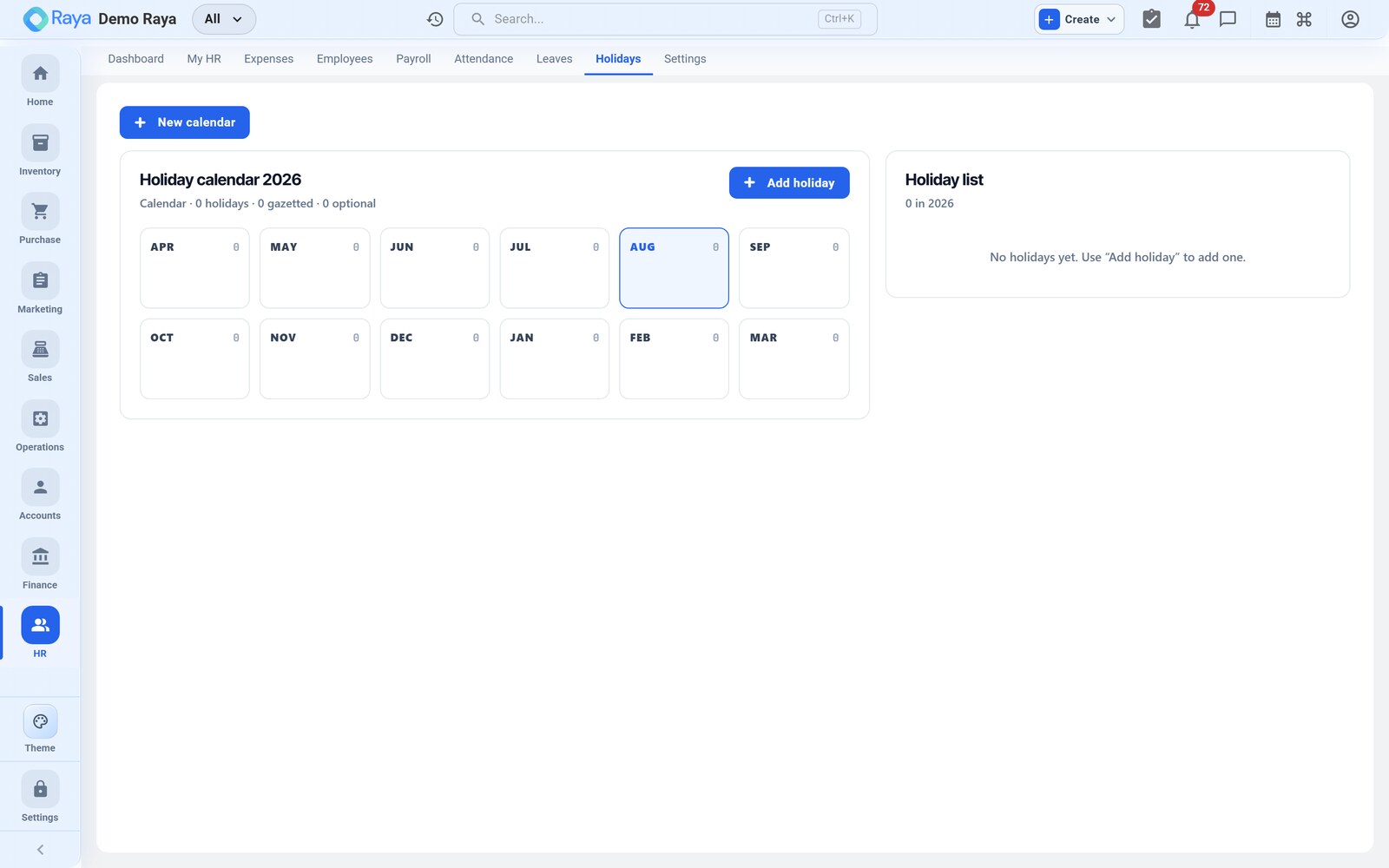
We set the calendar our worked example runs against: R. Mehta's August 2026 on a General shift, with 15 Aug as a public holiday.
Holiday calendar
Configure the public holidays your organisation observes for the year. Holidays are excluded from working days, so they are not counted against leave balances or treated as absence in attendance and payroll.
Add a holiday
- Open the Holidays tab.
- Click + Add Holiday.
- Enter the name and date — e.g.
Independence Day,15 Aug 2026. - Save. It now appears on the calendar and is skipped by attendance.
Example — a 2026 holiday calendar
Build the year's list once. A typical national set looks like this:
| Date | Holiday | Effect |
|---|---|---|
| 26 Jan 2026 | Republic Day | Paid non‑working day |
| 15 Aug 2026 | Independence Day | Paid non‑working day |
| 2 Oct 2026 | Gandhi Jayanti | Paid non‑working day |
| 9 Nov 2026 | Diwali | Paid non‑working day |
Because 15 Aug is on the calendar, R. Mehta's month treats it as a non‑working day — it is not flagged as absence, and it never becomes LOP. This is why his August LOP comes only from the 6 Aug uncovered absence, not from the holiday. See Attendance.
:::tip Set the calendar before the month starts Add the year's holidays up front. If a holiday is missing, attendance will treat it as a normal working day and could mis‑flag absence — fix the calendar and the day re‑evaluates. :::
Shifts
Define the work shifts your teams follow. A shift sets the expected working hours that attendance and overtime are measured against.
Define a shift
- Open the Shifts tab and click + Add Shift.
- Enter a name — e.g.
General. - Set the start and end times — e.g.
09:00–18:00. - Note the standard hours (here 9, or 8 net of a lunch break); hours worked beyond this count as overtime.
- Save, then assign the shift to employees or locations.
Example — shifts
| Shift | Hours | Standard | Used by |
|---|---|---|---|
| General | 09:00 – 18:00 | 9 hrs | Office & R. Mehta (Production, day) |
| Night | 22:00 – 06:00 | 8 hrs | Continuous‑production lines |
R. Mehta is on the General shift, so a normal punched day of 09:00–18:00 is "standard" with no overtime; a 09:00–21:00 day would register 3 hours of overtime on the payslip (see the overtime example).
Weekly offs
A shift also sets the weekly off pattern — for the General shift, Sundays. Weekly offs behave like holidays: they aren't working days, so they're never counted as absence or LOP. In R. Mehta's August that accounts for the 5 Sundays that don't appear in his attendance count.
:::note One calendar, many locations Holidays and shifts apply across your locations, so multi‑site teams share a consistent working calendar. You can still assign different shifts per team or location where working hours genuinely differ. :::
Assigning shifts
Assign a shift to an employee — or default it for a whole location — so attendance knows the hours to measure against. R. Mehta takes the General shift for his Pune site; override it per person where a role's hours genuinely differ, such as a night‑line operator on the Night shift.
:::tip Add the holidays your team actually observes The calendar is shared across the organisation, so include the national holidays plus any regional festival days your team takes off. Anything not on the calendar is treated as a normal working day — so a missing festival could wrongly flag absence. :::
How this feeds the rest of HR
- Holidays tell attendance which days aren't working days, so they never become LOP in payroll.
- Shifts set the expected hours, so attendance can tell a standard day from an overtime day.
Related
- Attendance — measured against the shift and calendar.
- Payroll — holidays and overtime affect the month's pay.
- Finance — the fiscal calendar and accounting periods.
- Settings — organisation‑wide calendar and location setup.