Expense Claims
HR → Expense Claims lets employees claim work expenses back and gives HR and Finance a record of every reimbursement. It runs on its own approval step, separate from payroll. This page works one claim end to end for our example hire, R. Mehta.
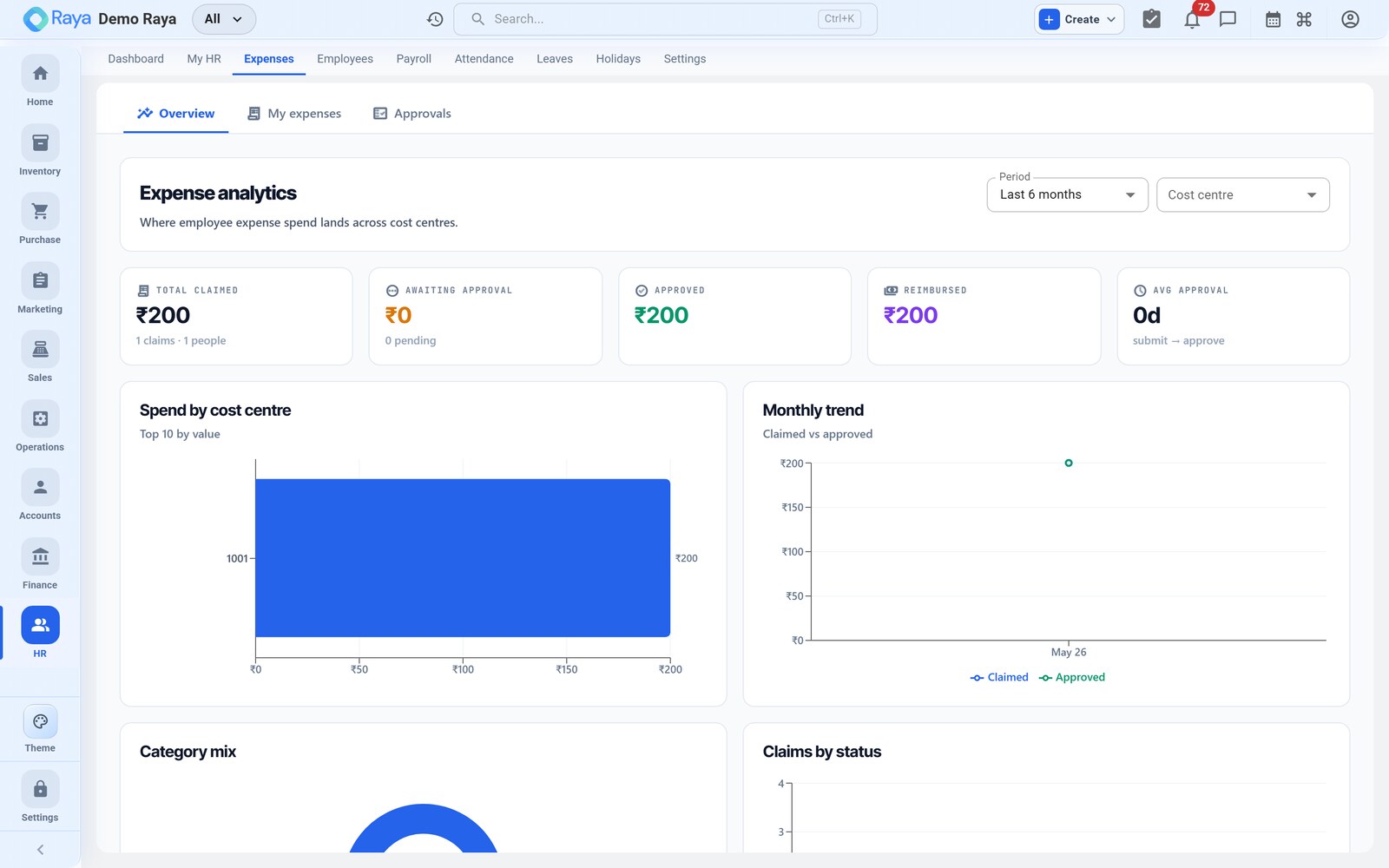
What a claim captures
Each expense claim is a small record with just enough for an approver to clear it and Finance to account it:
| Field | Purpose |
|---|---|
| Date | When the expense was incurred |
| Category | The expense head — Travel, Meals, Accommodation, Supplies… |
| Amount | What the employee spent, in ₹ |
| Description | A short justification for the approver |
| Attachment | The receipt/bill backing the claim |
Claim status
A claim moves through a simple lifecycle — Draft → Pending → Approved → Reimbursed — or is Rejected at the approval step:
| Status | Meaning |
|---|---|
| Draft | Started but not yet submitted |
| Pending | Submitted, waiting on the approver |
| Approved | Cleared for reimbursement |
| Rejected | Sent back with a reason; not paid |
| Reimbursed | Paid and accounted in Finance |
Worked example — R. Mehta's site‑visit travel
R. Mehta travels to a vendor's workshop for a production issue and spends ₹1,200 on a cab, out of pocket. He raises a claim to get it back.
Raise a claim
- Open Expense Claims → New Claim — R. Mehta can raise his own from the self‑service portal.
- Date —
4 Aug 2026, the day the expense was incurred. - Category — pick the expense head, e.g.
Travel / Conveyance. (Other typical categories: Meals, Accommodation, Supplies.) - Amount —
₹1,200. - Description — a short justification, e.g. "Cab to vendor workshop, Pune".
- Attach the receipt — the cab bill (PDF/photo) so the approver and Finance have proof.
- Submit for approval. The claim now shows as Pending.
:::tip One claim, one receipt Attach the supporting bill to every line. It's what the approver checks and what Finance files against the expense head — a claim without a receipt usually bounces back. :::
Approval and reimbursement
- The claim routes to the approver (manager/HR), who sees it in pending approvals and on the HR dashboard.
- They review the amount, category and receipt, then Approve (or Reject with a reason).
- Once approved, the claim is ready for reimbursement and can be accounted in Finance against the right expense head and cost centre.
Recording the reimbursement in Finance
Approved claims are paid and booked in Finance. Tag the entry to the employee's cost centre (Production) so it lands in the right department totals. Paying R. Mehta's ₹1,200 by bank:
Dr  Travel & Conveyance — Production ..... 1,200
    Cr  Bank ................................. 1,200
See Vouchers for posting a payment, and cost centres for how department costs add up.
:::note Reimbursements are not salary An expense claim is a repayment of money the employee already spent, so it's paid outside the payslip and carries no PF, ESI or tax. Keep it separate from payroll. :::
:::tip Keep it linked Recording approved claims in Finance keeps employee reimbursements in your books and in the department's cost‑centre totals, so travel and site costs are visible where the work happened. :::
Self‑service and tracking
Employees raise and track their own claims from the self‑service portal. They see each claim's status — Pending, Approved, Rejected or Reimbursed — without asking HR, and can attach the receipt from their phone at the moment they spend. Approvers, in turn, see waiting claims in pending approvals and on the HR dashboard, so nothing sits unnoticed until month‑end.